
Short-term rental property managers
Stop losing time to repeat guest problems.
A guest reports a broken AC. Your team asks what to do. Again. Gnarly Host is operations software for your rental team. Its AI uses past fixes to help automate repeat work. Keep vendors informed and track each job alongside a supported PMS.
Book a free founder setup call
Want to explore on your own? Explore the 14-day free trial.
14-day free trial · Free founder setup call · No card required to book
Built by Brandon Meyer, a short-term rental operator.
Hear from customers below. Then see the software in action.

Connections
GuestyHostawayOwnerRez
HospitableHostBuddyStripeSlack
Bill.com
No setup fees
Cancel anytime
Booking Engine included with every paid subscription
More operator proof
Another perspective from the field.
Vishal from VV Global shares a quick, straight-from-the-operator look at his experience with Gnarly Host.
VishalVV Global
Rental experience behind the product.
Founder and rental business coverage, not endorsements of Gnarly Host.


Pittsburgh Post-Gazette
Coverage of Brandon’s themed rental business in Pittsburgh.
Read the rental feature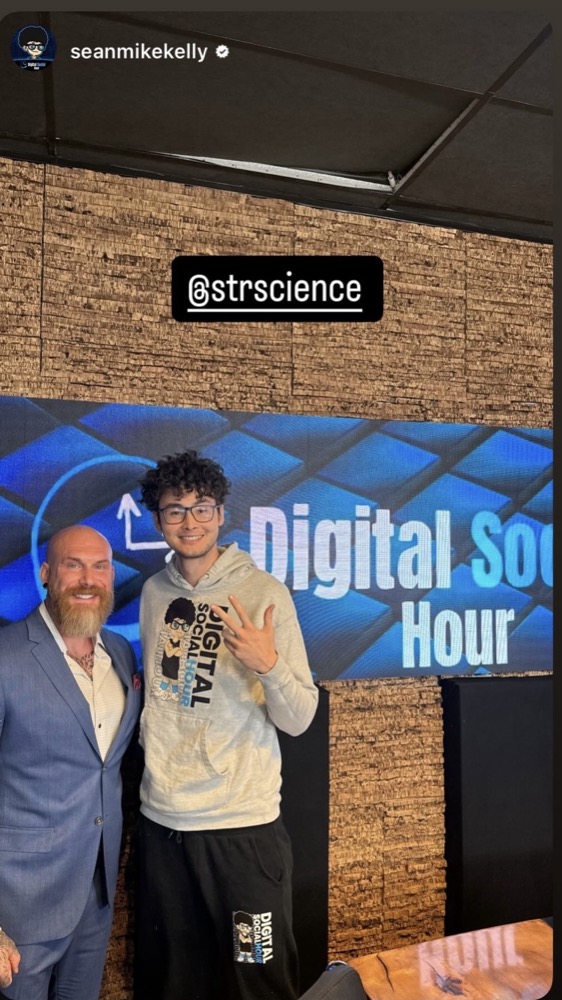

Stop carrying every job from one app to another.
Keep property conversations, assigned work and the fix your team found last time together. Gnarly Host works alongside a supported PMS.
Every property in one workspace
Conversations, live issue cards, approvals, and the fix your team found last time stay in the same searchable place.
Use the fix your team found last time.
The same problem should not mean starting over. Gnarly Host uses saved work notes and procedures to help automate repeat work. Your rules and approvals stay in place.
Give your vendors the job details.
Invite the vendors you already use. Keep the work, booking dates and job reports together. Gnarly Host manages the workflow. It does not find vendors for you.
Stop entering the same bill twice.
The vendor adds charges to the job report. Your team approves the report. The invoice goes to Bill.com, where you control approval and payment.
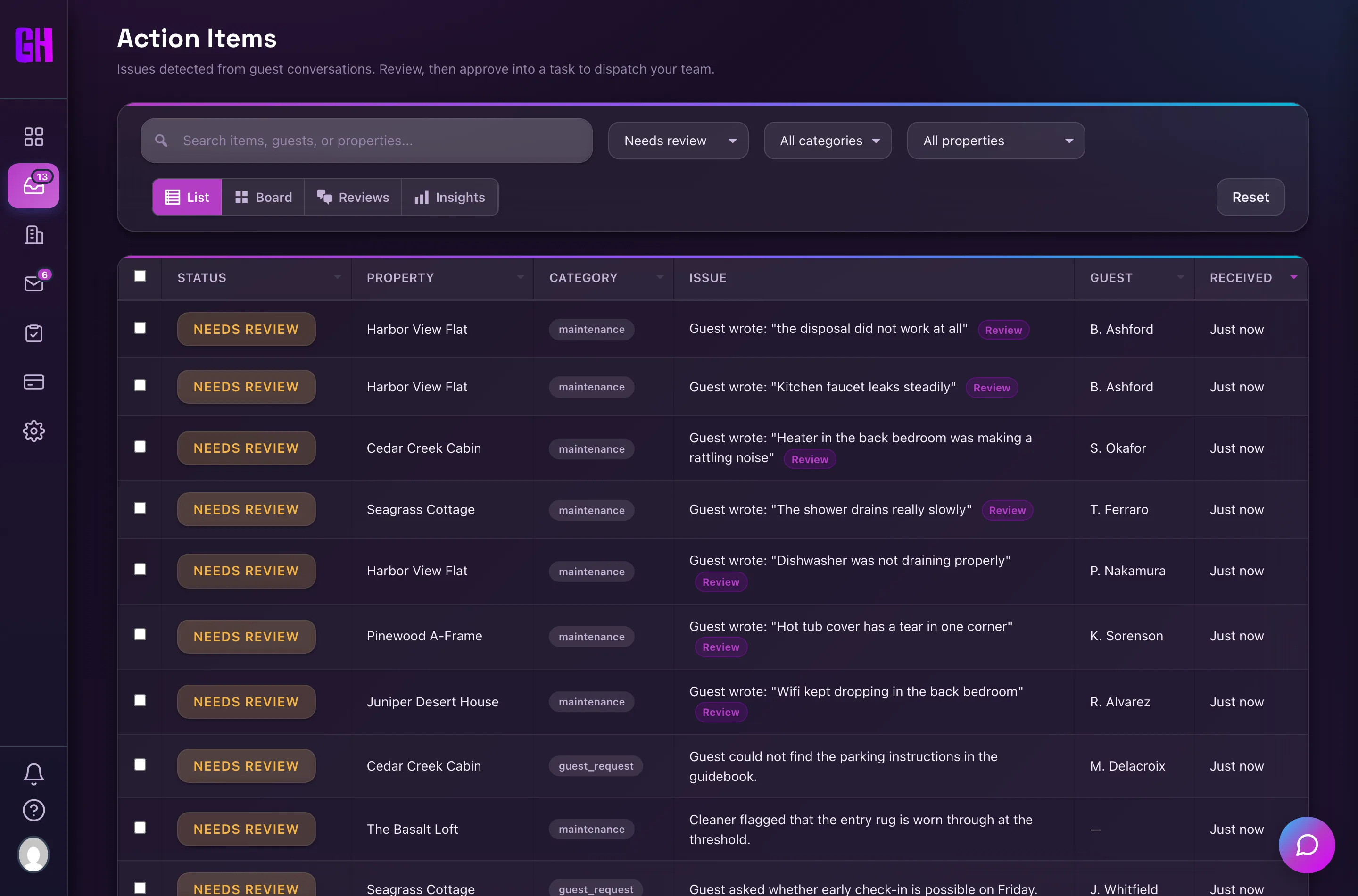
Guest problems become tracked work
Review detected issues, assign the right person, and follow the job to completion from one queue.
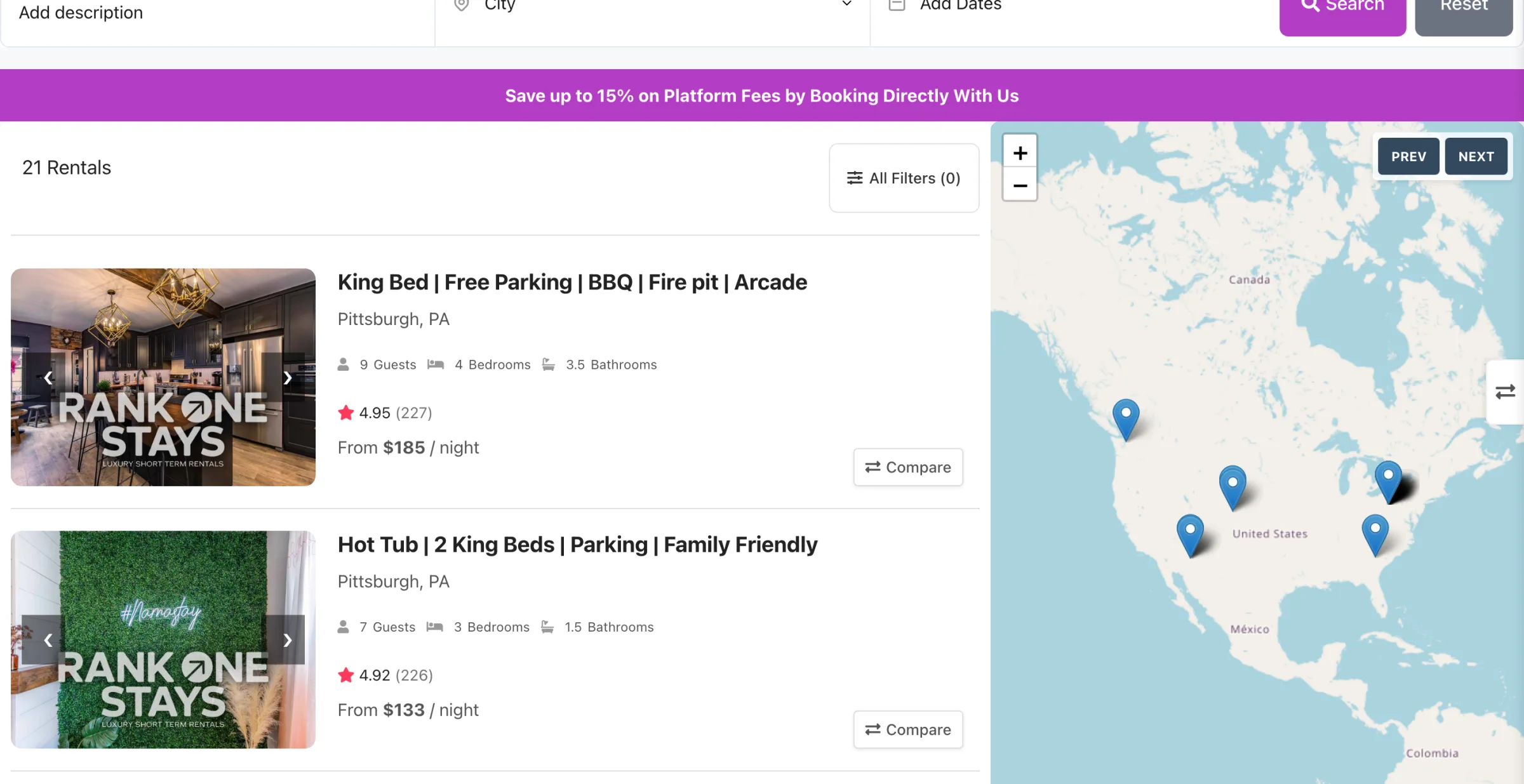
Take direct bookings on your WordPress site.
The included WordPress plugin lets guests book on your site, with a supported PMS connection. Keep the booking experience on your own website.
See the work, not just the claims
Watch it work.
Meet the founder, then see how a guest issue becomes a job and how guests can book on your own website.
From the founder
Why Brandon built Gnarly Host.
See how he uses the software in his own rental operation. Then watch the maintenance and direct-booking workflows below.
Use your setup call to check what works with your PMS.
Book a free founder setup call
Your next step
Get help setting up. Then test it for 14 days.
The personal touch
Free founder setup call
A free 30 minute working session with Brandon. Check your PMS connection, choose one workflow and plan your 14-day free trial. What can be set up on the call depends on your access and supported connections.
- Check your PMS connection and property data
- Choose a repeat task or issue to test first
- Review how your own vendors will use it
- Confirm trial activation and billing details before you begin
Four short steps. Then choose a time to finish booking.
30 minutes. No card required to book.
14-Day Free Trial
Want to explore first? Try Gnarly Host free for 14 days. You can book the free founder setup call if you want help. Confirm activation and billing details before starting.
- Try Gnarly Host free for 14 days
- Setup checklist walks you through it
- Booking Engine included when you activate
- Switch to a Founder Setup Call anytime
No setup fees. Cancel anytime.
Want to see more before you decide?
Watch three more product walkthroughs
How it works
1
Share your setup. Choose a time.
Answer four short steps, then choose and confirm your 30 minute call. Sharing details does not book an appointment.
2
Work through your setup.
Check your PMS connection and first workflow with Brandon. What can be set up depends on your access and supported integrations.
3
Try Gnarly Host free for 14 days.
Test the workflow with your properties. Confirm trial activation and billing requirements before you begin.
Questions operators actually ask
How does the 14-day free trial work?
Try Gnarly Host free for 14 days. Explore on your own, or book the free founder setup call for help. Confirm when your trial starts, what is activated, and any billing requirements before you begin. No card is required to book the call.
Do I have to replace my PMS?
No. Gnarly Host works alongside a supported PMS. The call checks your connection and what information can sync. It is not a promise that every PMS feature or version is supported.
Will AI do everything without my approval?
No. Gnarly Host uses your work history and saved procedures to help automate repeat work. The founder can show which steps can run automatically with your setup and which still need review. You keep control of approvals.
Does Gnarly Host find vendors for me?
No. Invite the vendors you already use. The platform helps manage their jobs, booking information and work reports.
How does Bill.com invoicing work?
The vendor adds charges when the job is complete. Your team reviews and approves the task report. The invoice and work details go to Bill.com. You review and approve payment there.
What does it cost after the trial?
Gnarly Host Pro is one subscription. The published monthly price is $8 per active property for 1 to 10 properties, $6 for 11 to 30, and $4 for 31 or more. The WordPress booking engine and its license are included. You bring your own accounts for connected third-party services. No setup fees. Cancel anytime. See current pricing.
What if I am not sure it fits?
Use the call to check your PMS and first workflow before deciding. Booking a call does not mean you have agreed to buy. You can also explore the 14-day trial on your own.
Compare subscription costs.
This optional calculator compares the number you enter with Gnarly Host pricing. It is not a savings guarantee. You may still need your PMS and other tools.
Open the optional cost comparison
Subscription Savings Report
Your current tool stack, compared with one platform.
Less repeat work.
A clearer next step.
Want help connecting your PMS and first workflow? Book the free founder setup call. Want to explore first? Try the 14-day free trial.
Book a free founder setup call